How Businesses Can Simplify Payroll, Attendance, and Employee Management
Every payday, the same routine happens in HR offices across the country. Someone is pulling attendance logs, cross-checking them against a spreadsheet, recalculating overtime, fixing a mismatched time entry, and preparing payslips — all while three employees are messaging to ask if their leave credits were included this cutoff.
If this sounds familiar, you’re not alone. Many Philippine businesses, especially small and growing ones, still run HR and payroll almost entirely on spreadsheets, paper files, and manual approvals. It works, until the company grows. Then the same process that took an afternoon starts taking days.
This raises a fair question: at what point should a business stop relying on spreadsheets and start using an HRIS?
This article walks through the common HR problems Philippine businesses face, what an HRIS actually is, what to look for when choosing one, and how OneHRIS — the HR and payroll system by OnePHP Technology, Inc. — helps businesses bring these processes together in one place.
Common HR Problems Businesses Face
Before talking about solutions, it helps to name the problems clearly. Most of these will sound familiar to anyone who has handled payroll or employee records manually.
Payroll Takes Too Long
Manual payroll usually means gathering data from several sources — attendance sheets, overtime approvals, leave records, deduction lists — before a single payslip can be finalized. The more employees you have, the longer this takes, and the more chances there are for something to be missed.
Payroll Errors Happen More Often Than They Should
When data is entered by hand and moved between multiple files, small mistakes are almost unavoidable. A miscounted absence, a wrong overtime rate, or a missed deduction can lead to incorrect pay, which then takes even more time to investigate and correct.
Attendance Is Difficult to Track
Manual timekeeping — logbooks, paper DTRs, or unlinked biometric printouts — often means late entries, missing logs, and discrepancies between what employees report and what was actually recorded. Reconciling these before payroll cutoff adds extra hours to an already tight schedule.
Employee Records Are Scattered
Employee information often ends up spread across spreadsheets, shared folders, physical 201 files, and email threads. Finding a single employee’s complete record — contract, government numbers, leave history, performance notes — can mean checking several places at once.
HR Gets the Same Questions, Over and Over
- “How many leave credits do I have left?”
- “Can I get a copy of my payslip?”
- “Was my overtime included this cutoff?”
- “Why does my attendance record look wrong?”
These questions aren’t unreasonable, but answering them one by one, every cutoff, takes time HR could spend on more strategic work.
HR Reports Take Too Much Time to Prepare
When data lives in disconnected files, producing a headcount report, attendance summary, or payroll cost breakdown often means manually consolidating numbers from different sources — a process that can eat up hours that could go toward actual HR planning.
Growth Makes Everything Harder
A process that works fine for 10–20 employees can become unmanageable at 50, 100, or more — especially if the business has multiple branches or shifts. What used to be a manageable manual system starts to strain under its own weight.
Why Manual HR Processes Can Hold Your Business Back
These pain points aren’t just inconvenient — they have a real business cost:
- Lost productivity, as HR staff spend more time on data entry than on people-focused work
- Higher risk of human error, particularly in payroll computations
- Delayed payroll processing, which affects employee trust and morale
- Poor employee experience, when simple requests like payslips take days to fulfill
- Difficult reporting, since data has to be pulled together manually before it’s useful
- Limited real-time visibility into attendance, leave balances, or headcount
- Difficulty scaling, since manual processes don’t grow smoothly with the business
None of this means the HR team is doing a poor job — it usually means the tools they’re working with weren’t built to keep up with the company’s growth.
What Is an HRIS?
HRIS stands for Human Resource Information System. In simple terms, it’s software that helps businesses centralize and manage HR-related processes and employee information in one system, instead of spreading them across spreadsheets, paper files, and separate tools.
A typical HRIS in the Philippines can help with:
- Employee records and 201 file information
- Payroll processing
- Attendance and timekeeping
- Leave management
- Employee self-service (viewing payslips, filing leave, checking balances)
- HR reports and analytics
- General HR data management
Rather than replacing your HR team, an HRIS is meant to take repetitive, manual tasks off their plate so they can focus on people, not paperwork. For businesses evaluating HRIS Philippines options, the goal is the same regardless of provider: bring HR data into one accurate, accessible system.
What Should Businesses Look for in an HRIS in the Philippines?
Not every HRIS is built the same way, and not every business needs the same features. Here’s a practical checklist to guide your evaluation.
Payroll Management
Look for a system that can handle your company’s payroll structure, including regular pay, overtime, deductions, and adjustments, with less manual computation.
Attendance and Timekeeping
The system should be able to record and consolidate attendance data accurately, reducing the back-and-forth of manually checking logs before every cutoff.
Leave Management
Employees should be able to file leave requests and check their balances without needing to email or message HR directly, and approvals should be trackable in the system.
Employee Records
Centralized, secure storage for employee information means HR isn’t hunting through folders or spreadsheets to find a single record.
Employee Self-Service
A self-service portal — even a basic one — cuts down on repetitive HR requests like payslip copies or leave balance checks.
Reports and HR Analytics
The ability to generate reports (attendance summaries, payroll costs, headcount) without manually compiling data saves significant time, especially for management reporting.
Ease of Use
A system that’s difficult to learn will slow adoption. Look for something your HR team and employees can pick up with minimal training.
Scalability
Consider whether the system can support your business as it grows — more employees, more branches, more complexity.
Data Security
Since HR systems store sensitive personal information, data security and access controls matter. This ties directly into the Philippines’ Data Privacy Act, which the National Privacy Commission oversees.
Fit With Philippine HR Requirements
Philippine payroll involves specific considerations such as SSS, PhilHealth, Pag-IBIG, BIR withholding tax, payslip generation, and 13th month pay computation. It’s worth asking any HRIS provider how their system supports these requirements, and confirming current rules directly through the relevant government agency, since regulations can change.
How OneHRIS Helps Businesses Simplify HR Operations
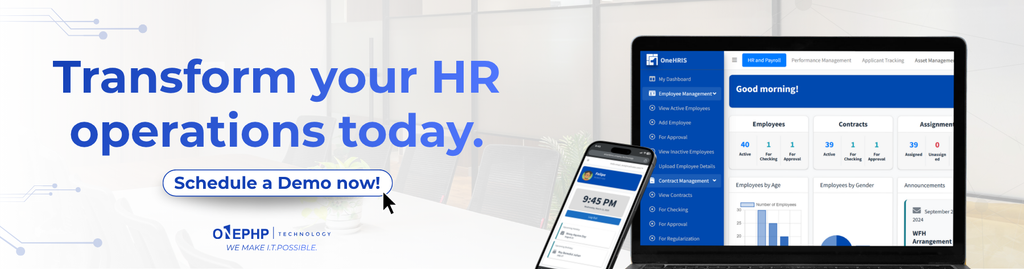
OneHRIS, developed by OnePHP Technology, Inc., is an HR and payroll management system built to bring these processes together in a single, cloud-based platform.
Here’s how it addresses the pain points discussed earlier:
Centralized employee data. Instead of keeping employee information across multiple spreadsheets and folders, OneHRIS centralizes and manages employee data in one secure system — so records are easier to find, update, and maintain.
Leave and attendance tracking in real time. OneHRIS monitors attendance, leave, and work hours in real time, which reduces the manual reconciliation work that typically happens right before payroll cutoff.
Policy customization. Every company runs HR a little differently. OneHRIS allows businesses to create and update company policies — including leave and attendance rules — so the system reflects how your organization actually operates, rather than forcing you into a rigid template.
Payroll and timekeeping in one workflow. By connecting attendance data with payroll processing, OneHRIS helps reduce the manual back-and-forth between timekeeping records and payroll computation.
Performance evaluation tools. Beyond payroll and attendance, OneHRIS also includes tools to track and assess employee performance using measurable metrics, supporting HR beyond just administrative tasks.
Reporting and analytics. Instead of manually compiling numbers from different files, HR teams can generate reports directly from the system to support decision-making.
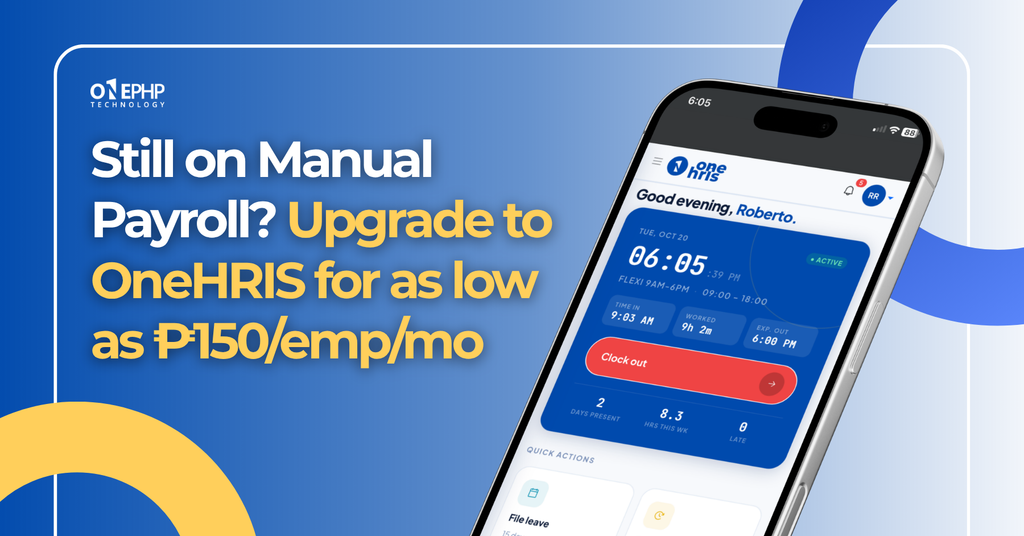
Remote, cloud-based access. Because OneHRIS is cloud-based, HR teams and employees can access it from any device with an internet connection — useful for businesses with multiple branches, hybrid setups, or field teams.
The goal isn’t to replace HR judgment with software. It’s to remove the repetitive manual work so your team can spend more time on the people side of HR.
From Manual HR to Smarter HR
| Manual Process | With an HRIS |
|---|---|
| Spreadsheet-based employee records | Centralized employee information |
| Manual attendance checking | Digital attendance tracking |
| Manual payroll preparation | Streamlined payroll processing |
| Employees asking HR for payslips | Employee self-service access |
| Manual leave monitoring | Digital leave management |
| Time-consuming reports | Easier HR reporting |
| Repetitive data entry | More streamlined workflows |
Is an HRIS Worth It for Small and Growing Businesses?
Yes — and this is worth stating plainly, because HRIS software is often assumed to be something only large corporations need. In practice, small and medium enterprises are often the ones who benefit most from making the switch early, before manual processes become deeply embedded in how the company operates.
An HRIS is worth considering for SMEs in the Philippines when:
- Employee headcount is steadily increasing
- Payroll is becoming harder to manage accurately
- HR is spending too much time on administrative tasks instead of strategic work
- Attendance records are becoming difficult to track and reconcile
- Employee information is spread across multiple files or platforms
- The company wants to improve overall HR efficiency ahead of further growth
Switching earlier — before the business scales further — usually means a smoother transition than trying to overhaul deeply rooted manual habits later on.
Signs Your Business Is Ready for an HRIS
You don’t need a formal audit to know if it’s time to move away from manual HR processes. In most cases, a few of these signs are already showing up on their own:
- Payroll takes too long to prepare each cutoff
- HR relies heavily on Excel or spreadsheets for core processes
- Attendance records are difficult to reconcile before payroll
- Employee records are scattered across files, folders, or emails
- Employees frequently ask HR for payslips or leave balances
- HR reports take hours — or longer — to prepare
- Your workforce is growing, or you’re planning to expand
- Manual processes are causing delays or errors in HR operations
If several of these sound familiar, it’s a strong sign that your current setup is no longer keeping up with your business — and that it may be time to consider an HRIS.
Why Choose OnePHP Technology for Your HR Technology Needs?
OnePHP Technology, Inc. provides end-to-end IT solutions for Philippine businesses, with OneHRIS as part of its broader suite of business technology products. Beyond HR and payroll, the company also works with businesses on other software and IT needs, which means OneHRIS is backed by a team that understands how HR systems fit into a company’s wider technology setup — not just as a standalone tool.
Learn more about OnePHP Technology
Ready to Simplify Your HR Processes?
If your HR team is still spending hours on spreadsheets, manual attendance checks, and repetitive employee requests, it may be worth seeing what a centralized system looks like for your specific workflow. OneHRIS is built to adapt to how your company already operates, rather than asking you to change everything to fit the software.
Book a OneHRIS demo and see how it can fit into your HR and payroll processes.